Timer & time log
Start, stop, and review entries by day, client, and engagement.

For accounting firms
Log hours against clients and engagements, see who is utilized, and turn approved time into invoices — without a second timesheet.
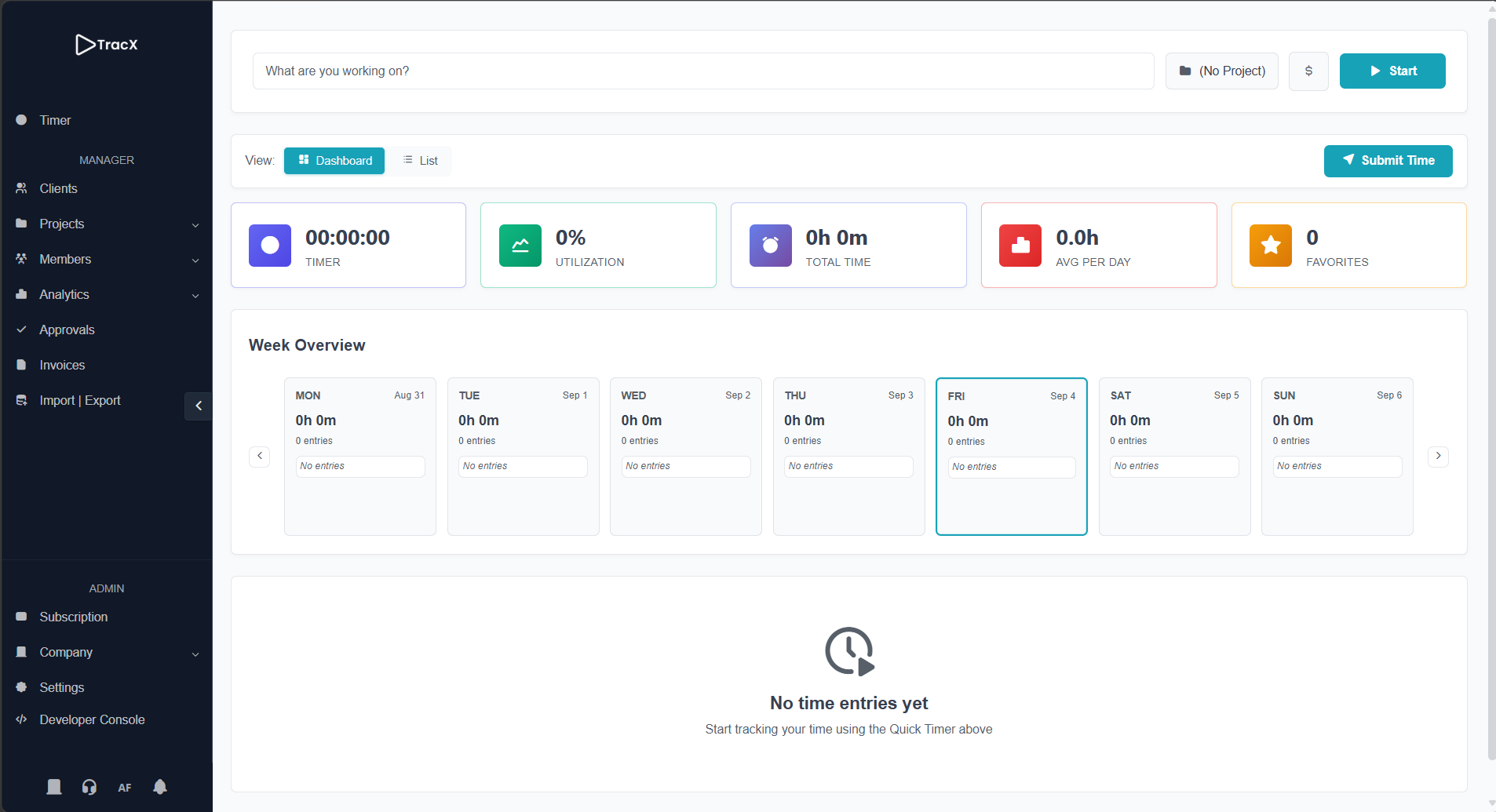
Tax, audit, bookkeeping, and advisory work stay tied to the client and the engagement.
Staff log time to the client and engagement so every hour is attributable.
Managers see utilization and approve time before it reaches the invoice.
Send client bills from tracked work instead of re-keying hours.
The same workspace — timer, projects, analytics, and invoicing.
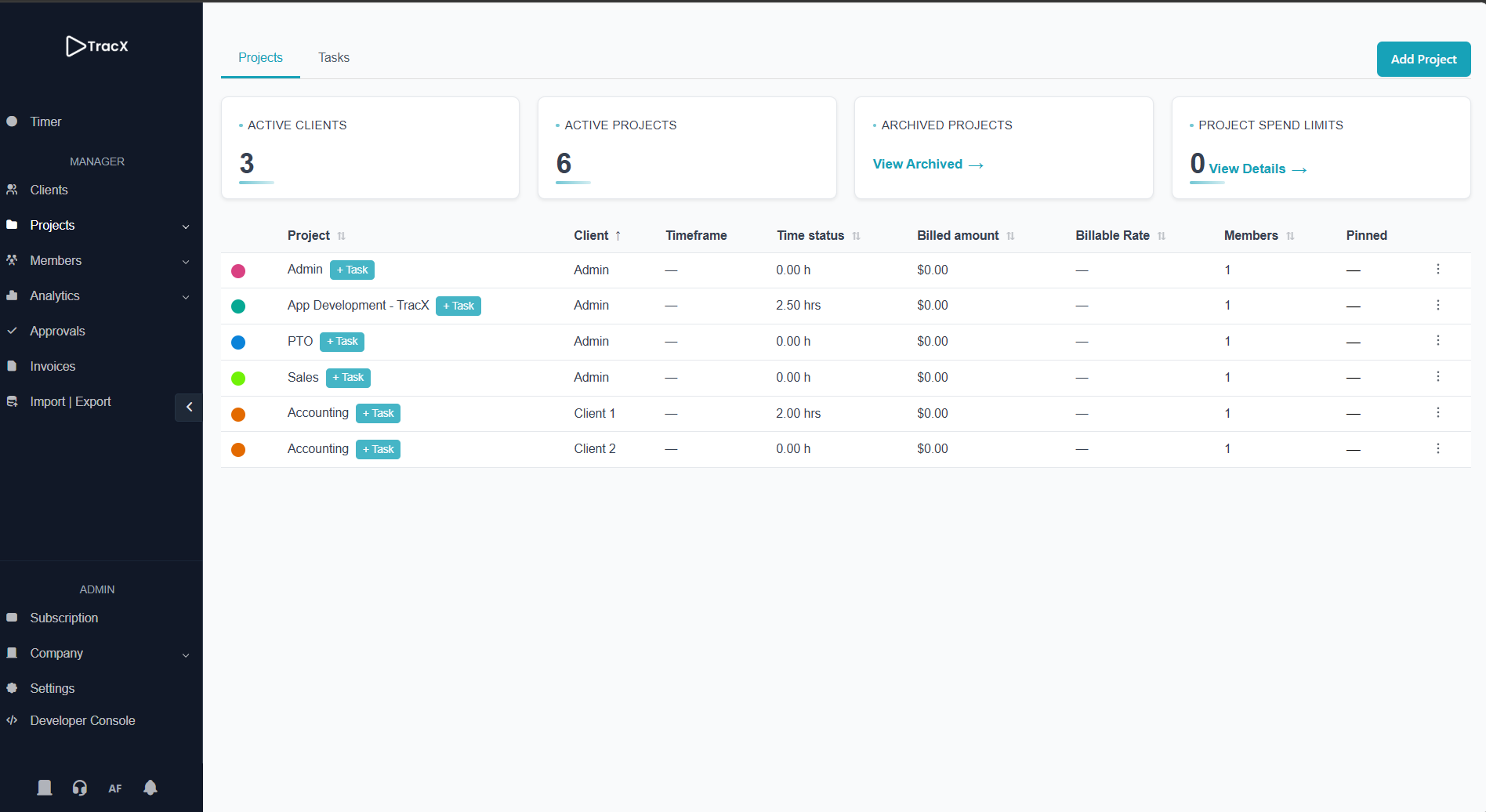
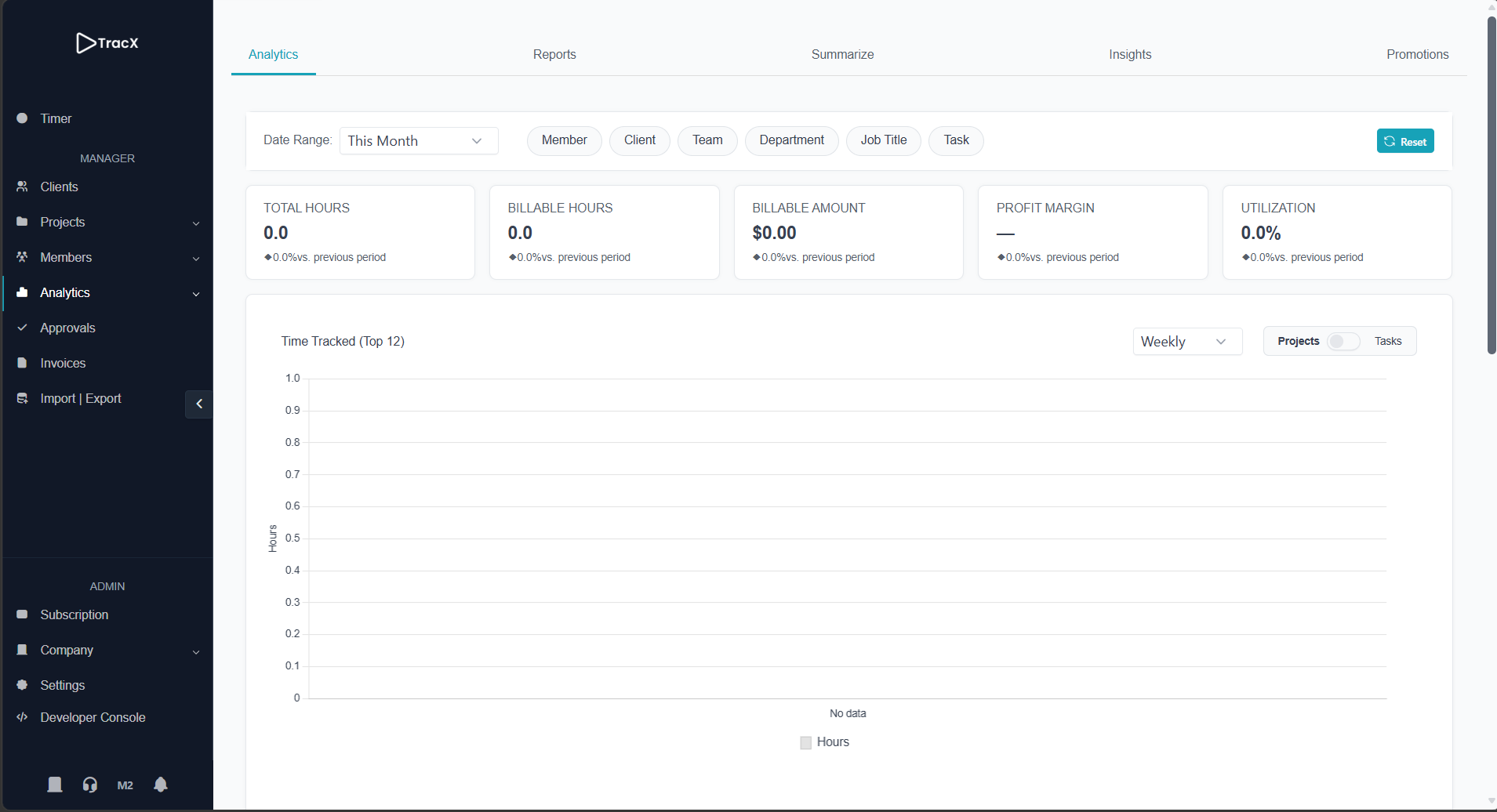
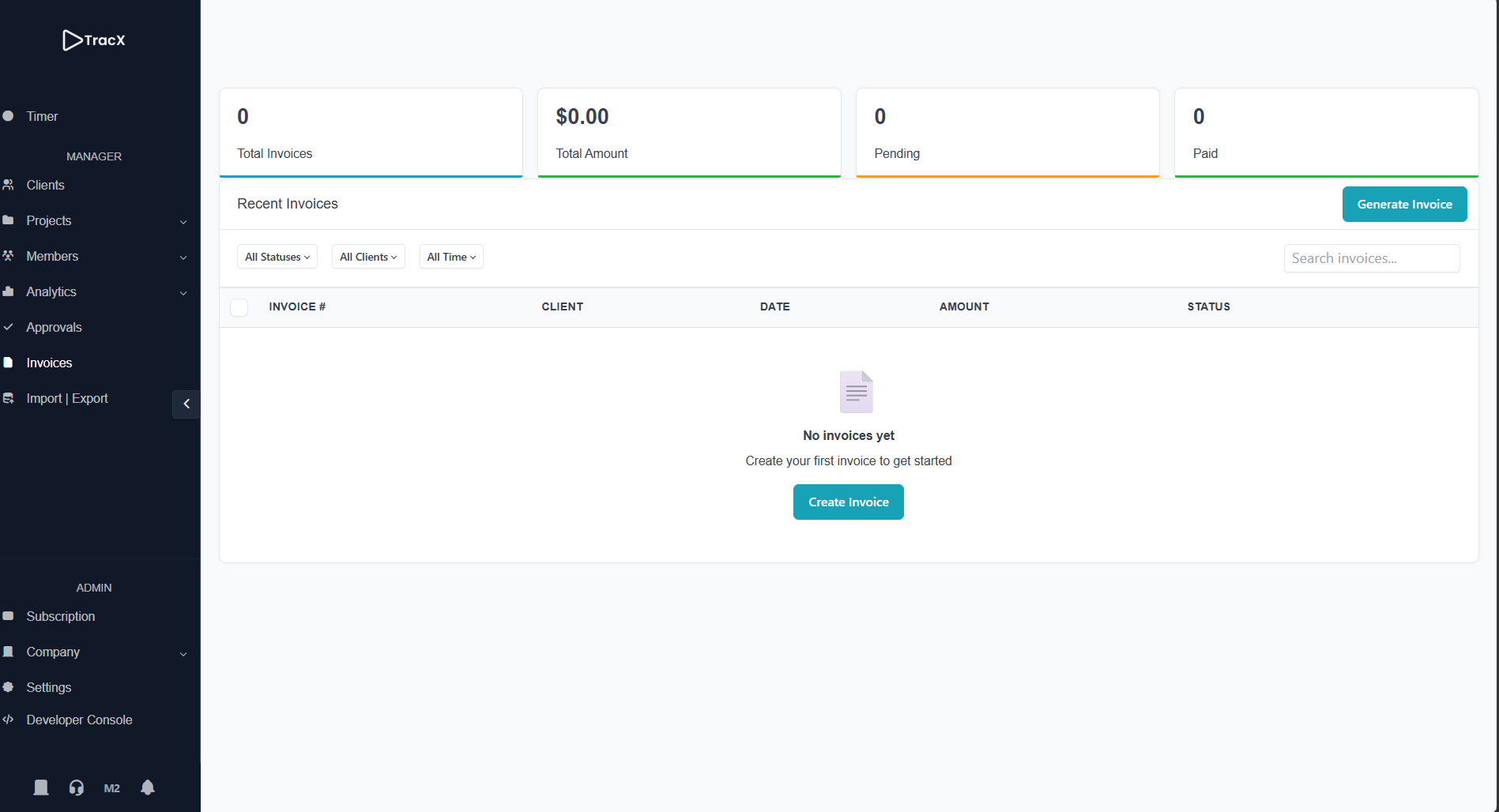
The daily tools an accounting team uses — plus the structure a firm needs as it grows.
Start, stop, and review entries by day, client, and engagement.
Keep each client’s work organized as projects your team can bill.
Filter hours by person, client, or engagement before month-end.
Convert tracked hours into invoices without re-entering data.
Review staff time before it hits reporting or billing.
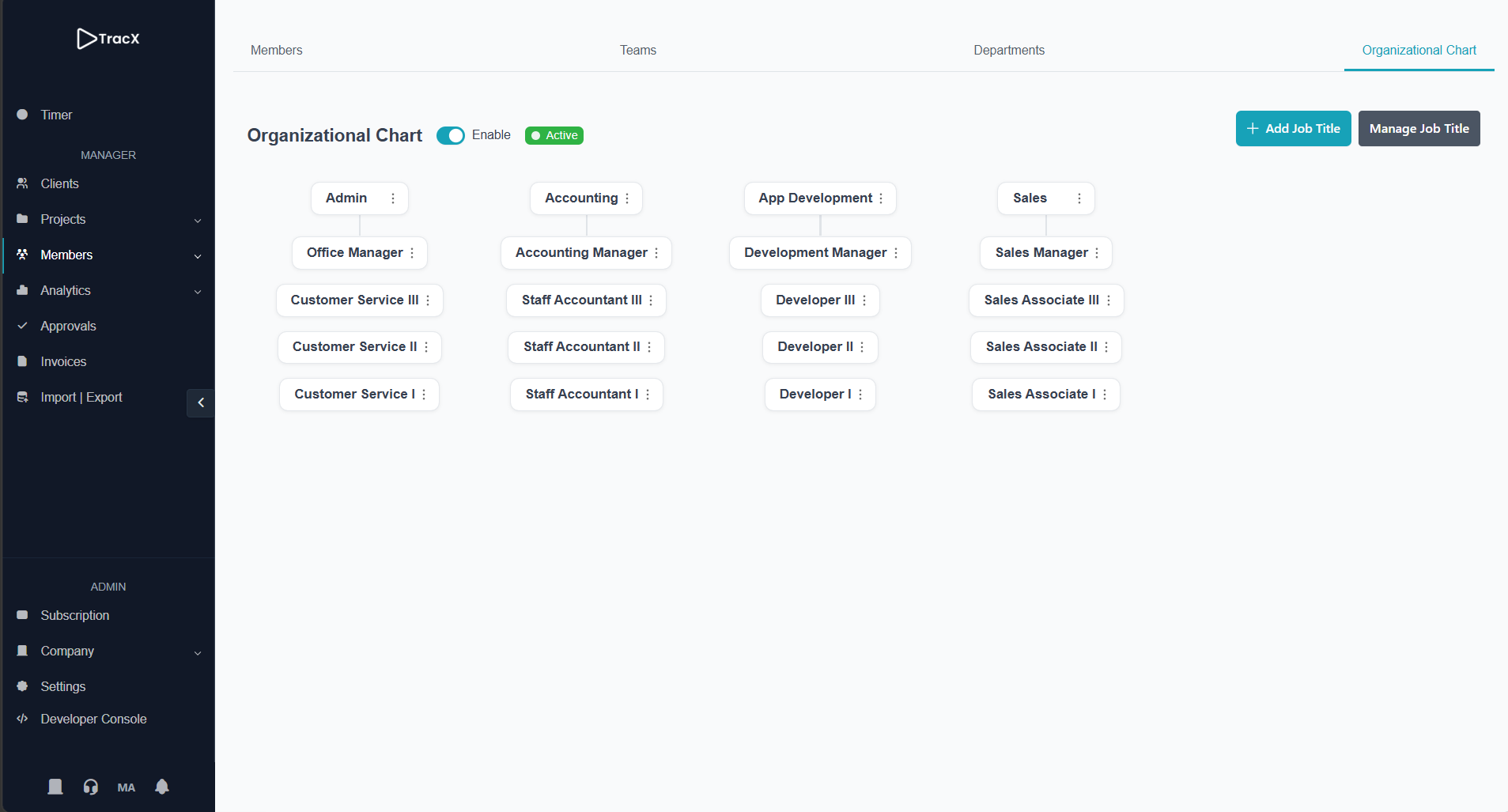
Group people by office, practice, or service line.
Map staff, senior, and manager titles — then see who is ready to move up. Learn more
Business exclusive
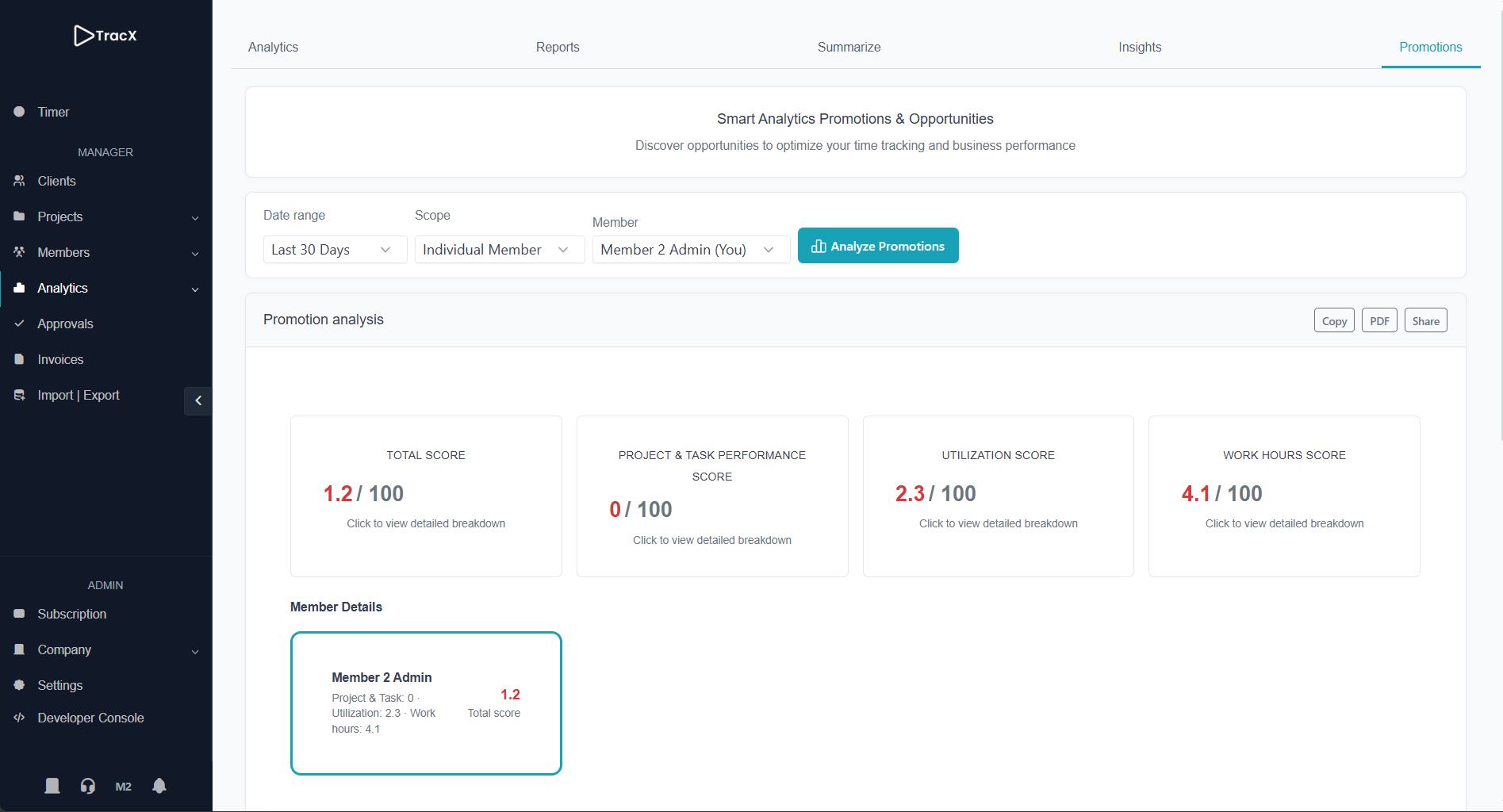
Most time tools stop at the timesheet. TracX turns consistent logs into promotion-ready signals — so you advance staff on the work they already do, not on memory.
Set titles for your practice (staff accountant through manager), keep tracking client work, then review readiness by firm, department, or team.
Scores get sharper with consistent tracking. Set titles on day one; meaningful history typically builds over a few months of regular use.
Start free with up to three members. Upgrade when you need analytics, approvals, and full team structure.
Basic time tracking for small teams
Professional time tracking with analytics
Team structure plus promotion readiness
Create a free workspace for your firm in a few minutes.